In the last post, we looked at what MLOps is and why it matters. We covered the lifecycle at a high level. Now let's go deeper into each stage.
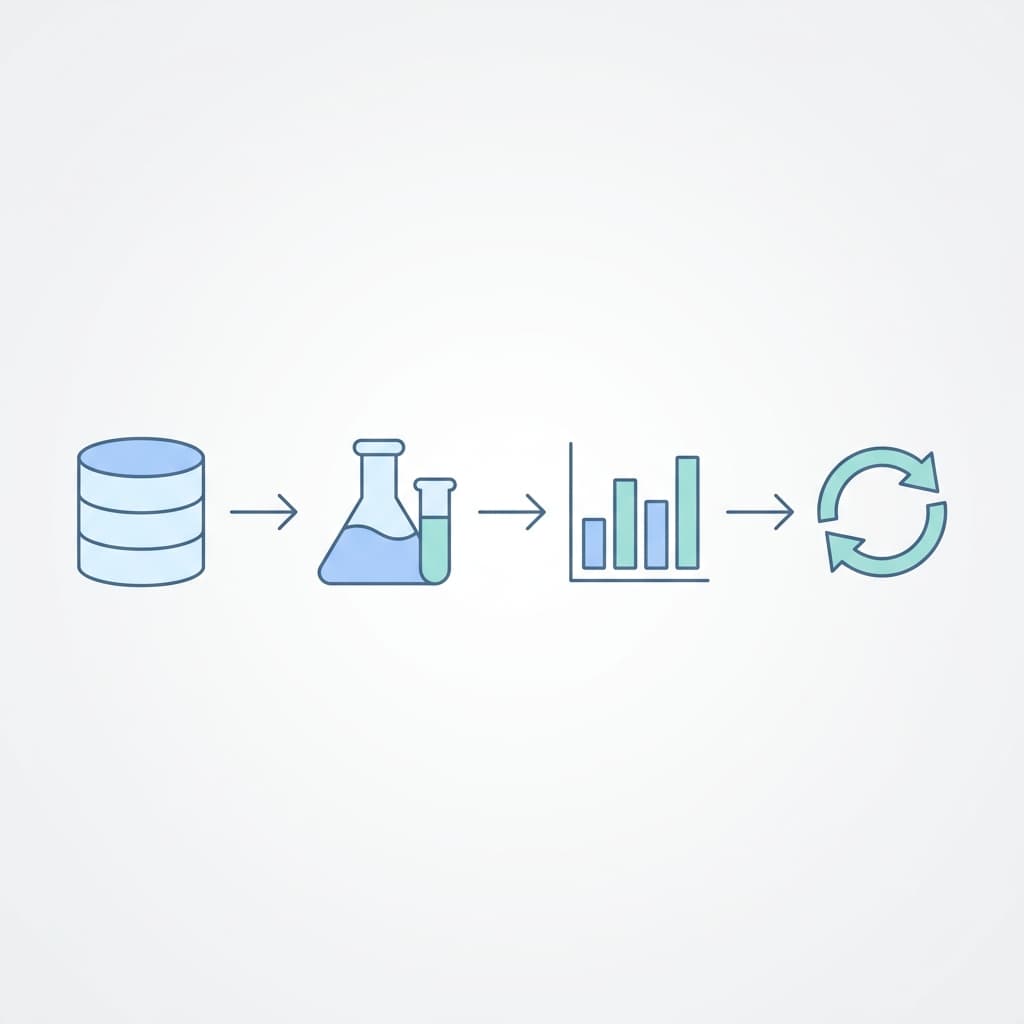
The ML lifecycle is not a straight line. It's a loop. You collect data, build a model, deploy it, monitor it, and when things degrade, you go back to the beginning. Understanding each stage - and where things go wrong - is what separates a model that works in a notebook from one that works in production.
The Full Lifecycle
Define Problem
     ↓
Collect & Prepare Data
     ↓
Feature Engineering
     ↓
Train & Experiment
     ↓
Evaluate & Validate
     ↓
Package & Deploy
     ↓
Monitor & Observe
     ↓
Retrain (loop back)
Let's walk through each stage.
1. Define the Problem
Before writing any code, you need to answer one question clearly: what are you trying to predict?
This sounds obvious, but poorly defined problems are the number one reason ML projects fail. Not bad data. Not bad models. Bad problem definitions.
Good problem definition
"Predict whether a customer will cancel their subscription in the next 30 days, so we can intervene with a retention offer."
Bad problem definition
"Use AI to reduce churn."
The good definition tells you exactly what to predict (cancel or not), the time window (30 days), and how the prediction will be used (retention offer). The bad one is a business goal, not an ML problem.
Questions to answer before starting
- What exactly are you predicting? (A number? A category? A ranking?)
- What data do you have? Is it labeled?
- How will the prediction be used? (Real-time API? Daily batch report?)
- What does success look like? (What accuracy is good enough?)
- What happens if the model is wrong? (Low risk like a recommendation, or high risk like a medical diagnosis?)
If you can't clearly state what the model should predict and how the prediction will be used, you're not ready to build it.
2. Collect and Prepare Data
Data is the foundation. Everything else depends on its quality.
Data collection
Data can come from many sources:
- Internal databases (user activity, transactions, logs)
- External APIs (weather, market data, public datasets)
- User inputs (surveys, forms, feedback)
- Streaming events (clickstream, IoT sensors)
The challenge isn't usually finding data - it's finding data that's relevant, clean, and available consistently.
Data cleaning
Real-world data is messy. Common issues:
Missing values
Some rows have empty fields. You decide whether to fill them (with the mean, median, or a default) or remove those rows. The right choice depends on why the data is missing.
Inconsistent formats
Dates in three different formats. Phone numbers with and without country codes. Categories spelled differently ("New York", "new york", "NY"). Standardize everything before training.
Duplicates
The same record appearing twice. Sometimes it's a bug, sometimes it's valid (same customer bought twice). Know the difference.
Outliers
A house price of $1 or a customer age of 200. These can throw off your model if left unchecked. Decide if they're errors (remove them) or rare legitimate cases (keep but handle carefully).
Data splitting
Always split your data before training:
- Training set (70-80%) - The model learns from this
- Validation set (10-15%) - Used during training to tune hyperparameters
- Test set (10-15%) - Used once at the end to evaluate final performance
Never let the model see the test set during training. If you do, your evaluation is meaningless - the model already memorized those examples.
Data cleaning is not glamorous. It's also where you'll spend 60-80% of your time. Accept this early.
3. Feature Engineering
Features are the inputs your model uses to make predictions. Feature engineering is the process of transforming raw data into features that help the model learn.
Why it matters
Raw data is rarely useful directly. A model doesn't know what a date means, but it can learn from features like "day of week", "is weekend", or "days since last purchase."
Common techniques
Creating new features
From a timestamp, you can extract hour, day of week, month, is_weekend. From a purchase history, you can calculate total_spent, average_order_value, days_since_last_order.
Encoding categories
Models work with numbers, not strings. You convert categories to numbers:
- One-hot encoding: "red", "blue", "green" becomes three columns, each 0 or 1
- Label encoding: "small"=0, "medium"=1, "large"=2 (only when order matters)
Scaling
If one feature ranges from 0 to 1 and another from 0 to 10,000, the large-range feature will dominate training. Normalization (0-1) or standardization (mean=0, std=1) puts features on equal footing.
Handling text
Convert text to numbers using bag-of-words, TF-IDF, or embeddings. Modern NLP uses pre-trained embeddings (BERT, sentence transformers) that capture meaning better than word counts.
Feature stores
In production, features need to be consistent between training and serving. A feature store is a centralized service that computes, stores, and serves features. Without it, teams end up computing the same features differently in the training pipeline and the serving API - and the model behaves differently in production than in testing.
4. Train and Experiment
Training is where the model learns patterns from data. But in practice, you never train just once. You train many times with different settings, compare results, and pick the best one.
The experimentation loop
Pick model type
     ↓
Set hyperparameters
     ↓
Train on training data
     ↓
Evaluate on validation data
     ↓
Log results
     ↓
Adjust and repeat
Hyperparameters are the settings you choose before training - learning rate, number of layers, batch size, regularization strength. Different combinations produce different results. The process of finding good hyperparameters is called tuning.
Experiment tracking
Every training run produces results. Without tracking, you lose them.
What to log for each experiment:
- Hyperparameters used
- Dataset version
- Training metrics (loss, accuracy over time)
- Final evaluation metrics
- Model artifact (the saved model file)
- Code version (git commit)
- Environment (library versions)
Tools like MLflow make this automatic. You wrap your training code, and every run is logged with all the details.
When to stop experimenting
Experimentation can go on forever. Set a target metric and a time budget. If the model meets the target, move on. If you've spent a week tuning and accuracy improved by 0.1%, it's time to stop and focus on deployment.
Track every experiment. The one you forgot to log is always the one you need to reproduce.
5. Evaluate and Validate
Before deploying, you need to know if the model is good enough. Evaluation happens at two levels.
Offline evaluation
Test the model on the held-out test set (the one it never saw during training).
For classification:
- Accuracy - Overall correct predictions. Misleading when classes are imbalanced.
- Precision - Of the things labeled positive, how many actually were? Important when false positives are costly (spam filter marking real email as spam).
- Recall - Of all actual positives, how many did the model find? Important when false negatives are costly (missing a fraudulent transaction).
- F1 score - Harmonic mean of precision and recall. Useful when you need to balance both.
For regression:
- MAE (Mean Absolute Error) - Average difference between predicted and actual values.
- RMSE (Root Mean Square Error) - Penalizes large errors more than MAE.
- R-squared - How much variance the model explains (1.0 = perfect, 0 = no better than guessing the mean).
Model validation
Beyond raw metrics, validate that the model makes sense:
- Does it perform well across all segments? A model might have 95% accuracy overall but fail completely for a specific customer group or region.
- Is it biased? Check if the model treats different demographic groups differently in ways that aren't justified.
- Does it handle edge cases? What does it predict for inputs it's never seen before?
- Is it stable? Train it three times with different random seeds. Do results vary wildly or stay consistent?
Online evaluation (A/B testing)
Offline metrics don't always translate to real-world performance. The only way to truly evaluate a model is to test it in production with real users. Deploy the new model alongside the old one, split traffic, and compare business metrics (not just ML metrics).
6. Package and Deploy
The model is good enough. Now it needs to serve predictions.
Packaging
A deployable model needs more than just the model file:
- Model weights/artifact
- Preprocessing code (the exact transformations applied to input data)
- Dependencies (library versions)
- Configuration (thresholds, feature lists)
Containerizing everything in Docker makes deployment consistent. The same container runs on your laptop, in staging, and in production.
Serving infrastructure
Real-time serving
The model runs behind an API. A request comes in with input features, the model predicts, and the response goes back. Latency matters - if prediction takes 2 seconds, users notice.
Common tools: TensorFlow Serving, Triton Inference Server, BentoML, FastAPI with a loaded model.
Batch serving
The model processes a dataset on a schedule. No API, no real-time requirement. Run a job overnight, write predictions to a database, consume them the next day.
Common tools: Spark, Airflow, any scheduled job runner.
Deployment strategies
Don't replace the old model instantly. Use gradual rollout:
- Shadow mode - New model runs in parallel, predictions are logged but not used. Compare with the current model's predictions.
- Canary - Route a small percentage of traffic to the new model. Monitor metrics. Increase gradually.
- Blue-green - Two identical environments. Switch traffic all at once, roll back if something is wrong.
Never deploy a model without a rollback plan. The first model you can't roll back is the one that breaks production.
7. Monitor and Observe
A deployed model is not done. It's the beginning of a new phase.
What to monitor
Infrastructure metrics
Latency, throughput, error rate, memory usage. Same as any API service.
Data drift
Are the inputs changing? If the model was trained on data from 2025 and users in 2026 behave differently, inputs will drift. Monitor the statistical distribution of incoming features and compare to training data.
Prediction drift
Is the model predicting differently? If a fraud model suddenly labels 30% of transactions as fraud (up from 2%), something changed - either the data or the model.
Performance decay
If you have ground truth labels (delayed feedback), track accuracy over time. A model that was 95% accurate at deployment might be 80% accurate three months later.
Alerting
Set thresholds and alert when they're crossed:
- Latency above 200ms for more than 5 minutes
- Data drift score above threshold for a feature
- Prediction distribution shifts by more than X%
- Accuracy drops below the acceptable threshold
Feedback loop
The monitoring stage feeds directly back into retraining. When drift is detected or accuracy drops, trigger the retraining pipeline. This closes the loop and makes the lifecycle truly continuous.
8. Retrain
Retraining is not "train the same thing again." It means training on updated data, evaluating against the current production model, and deploying only if the new model is better.
Retraining triggers
- Scheduled - Retrain weekly or monthly regardless of performance. Simple and predictable.
- Performance-based - Retrain when monitoring detects accuracy drop or drift. More efficient.
- Data-based - Retrain when enough new labeled data is available. Common when labels arrive with a delay.
The retraining pipeline
New data arrives
     ↓
Run data validation checks
     ↓
Train new model
     ↓
Evaluate against test set
     ↓
Compare with current production model
     ↓
If better → deploy (canary/shadow)
If worse → alert and investigate
The comparison step is critical. Don't deploy a retrained model just because it's new. Deploy it only if it outperforms the current one on the metrics that matter.
Automation
Manual retraining works at first, but it doesn't scale. As you manage more models, you need automated pipelines that handle the full loop - data validation, training, evaluation, comparison, and deployment - without human intervention for the happy path.
Why the Lifecycle Is a Loop
The biggest mistake teams make is treating ML as a project instead of a product. A project ends when the model is deployed. A product is maintained, updated, and improved continuously.
The lifecycle is a loop because:
- Data changes (new users, new products, market shifts)
- The world changes (seasonality, economic conditions, regulations)
- Requirements change (new features, higher accuracy needs, new segments)
- Infrastructure changes (new serving requirements, cost optimization)
Every production model will need retraining eventually. The question is whether you have a process for it or whether you discover the model is broken from user complaints.
Key Takeaways
- Define the problem precisely - What to predict, how it's used, what accuracy is good enough
- Data quality > model complexity - A simple model on clean data beats a complex model on messy data
- Feature engineering is where value lives - Good features matter more than fancy algorithms
- Track every experiment - You can't reproduce what you didn't log
- Evaluate beyond accuracy - Check for bias, segment performance, and edge cases
- Deploy gradually - Shadow mode, canary, then full rollout. Never skip the rollback plan
- Monitoring is not optional - Data drift and model decay are inevitable
- Treat ML as a product, not a project - The lifecycle is a loop, not a line
The model is one artifact in a much larger system. The lifecycle is the system.