In the previous posts, we covered the ML lifecycle and how MLOps brings structure to it. One theme kept coming up - version everything. Code, data, models, experiments.
Versioning code is second nature. Every team uses Git. But versioning data? Most teams don't, and that's where reproducibility breaks down.
This post covers why data versioning matters, what problems it solves, and how to actually do it.
The Problem
You train a model. It gets 94% accuracy. You're happy.
Two weeks later, the data pipeline changes. Someone fixes a bug in the preprocessing step. New rows get added. Some old rows get cleaned up. You retrain the model on the "latest" data. Accuracy drops to 87%.
Now what?
- What data was the 94% model trained on?
- What changed in the data since then?
- Can you go back to the exact dataset that produced the good model?
If you didn't version your data, the answer to all three is "I don't know."
In software, you can always check out the exact commit that produced a release. In ML, you need the same ability for your data.
Why Git Doesn't Work for Data
The obvious thought is "just put data in Git." Here's why that breaks down:
Size
Git stores every version of every file. A 2GB dataset with 50 versions means 100GB in your repo. Git wasn't built for this. It slows down clones, pushes, and pulls to the point where the repo becomes unusable.
Binary files
Git's diffing and merging work on text. Datasets are often CSV, Parquet, images, or other binary formats. Git can store them, but it can't show meaningful diffs. "This file changed" is not useful when you need to know which rows changed and why.
Collaboration
When two people modify the same dataset, Git can't merge the changes. You get conflicts on binary files that are impossible to resolve with standard Git tools.
Cost
Git hosting services (GitHub, GitLab) have file size limits. GitHub warns at 50MB and blocks at 100MB. Production datasets are typically much larger.
What Data Versioning Actually Means
Data versioning is tracking the exact state of your data at any point in time, so you can:
- Reproduce - Go back to the exact dataset that produced a specific model
- Compare - See what changed between two versions of your data
- Audit - Know who changed what and when
- Collaborate - Multiple people can work on data without conflicts
- Roll back - Revert to a previous version if new data causes problems
It works like Git, but designed for large files and datasets.
How DVC Works
DVC (Data Version Control) is the most common tool for data versioning in ML. It works alongside Git, not as a replacement.
The core idea
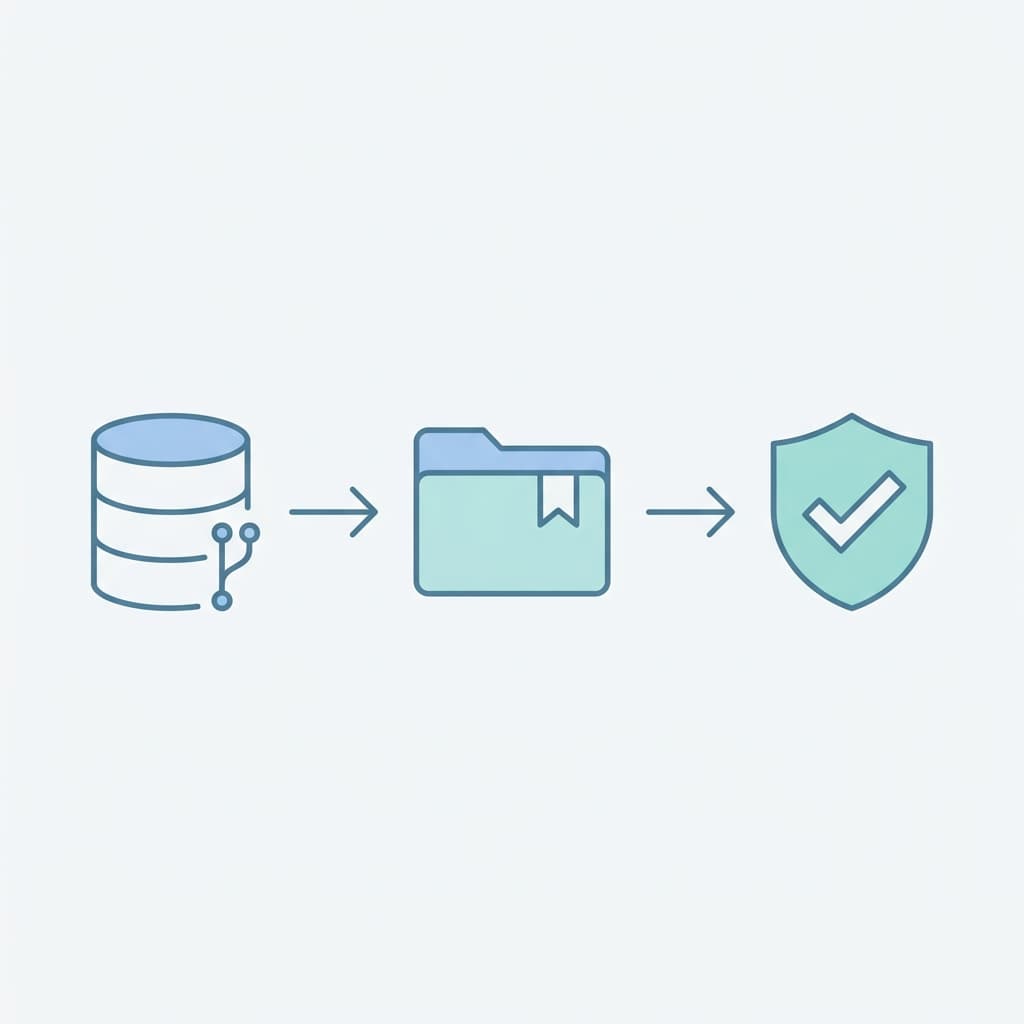
DVC stores your actual data files in remote storage (S3, GCS, Azure Blob, etc.) and puts lightweight pointer files in Git. The pointer file contains a hash of the data, so Git tracks which version of the data belongs to which commit.
Your Git repo:
├── data/
│   └── training.csv.dvc    ← pointer file (200 bytes)
├── models/
│   └── model.pkl.dvc       ← pointer file (200 bytes)
├── src/
│   └── train.py            ← actual code
└── dvc.lock                ← pipeline state
Remote storage (S3, Azure Blob, etc.):
├── ab/cdef1234... ← actual training.csv (2GB)
├── 78/ghij5678... ← actual model.pkl (500MB)
└── ...Git tracks the pointers. DVC tracks the data. Together, every Git commit maps to an exact dataset version.
Basic workflow
Initialize DVC in your project:
git init
dvc init
Track a data file:
dvc add data/training.csvThis creates data/training.csv.dvc (the pointer) and adds data/training.csv to .gitignore. The actual file stays local and in remote storage, not in Git.
Commit the pointer to Git:
git add data/training.csv.dvc .gitignore
git commit -m "Add training data v1"
Push data to remote storage:
dvc remote add -d storage s3://my-bucket/dvc-store
dvc push
When a teammate clones the repo:
git clone <repo>
dvc pull
They get the code from Git and the data from remote storage. The pointer file tells DVC exactly which version to download.
Switching between data versions
This is where it gets powerful:
# Go back to a previous data version
git checkout v1.0
dvc checkout

# Compare data between versions
dvc diff HEAD~1
Every Git commit has a corresponding data state. Checkout the commit, checkout the data, and you're back to exactly where you were.
What to Version
Not everything needs versioning. Here's what matters:
Always version:
- Training datasets
- Validation and test datasets
- Model artifacts (trained model files)
- Preprocessing configurations
Version when practical:
- Raw data before cleaning (helps debug data pipeline issues)
- Feature engineering outputs
- Evaluation results and metrics
Don't version:
- Temporary files and intermediate cache
- Logs from training runs (use experiment tracking instead)
- Data that changes every second (streaming data needs a different approach)
Data Versioning in a Team
Branching for data experiments
Just like code branches, you can create data branches:
git checkout -b experiment/new-features
# Modify the dataset or feature pipeline
dvc add data/training.csv
git add data/training.csv.dvc
git commit -m "Add new features to training data"
dvc push
A teammate can pull your branch and get your exact dataset. No "can you send me the file?" messages.
Avoiding data conflicts
When two people modify the same dataset independently:
- Each person works on their own branch
- Each branch tracks its own data version via the
.dvcpointer - When merging, you choose which data version to keep (or create a new combined version)
DVC doesn't merge data files automatically - that's intentional. Data merges need human decisions about which rows to keep, how to handle conflicts, and whether the combined dataset is valid.
Data Versioning + Experiment Tracking
Data versioning and experiment tracking work together:
Experiment #42:
  - Code: git commit abc123
  - Data: dvc version def456 (training.csv, 50,000 rows)
  - Model: accuracy 94.2%, F1 0.91
  - Hyperparameters: lr=0.001, epochs=50

Experiment #43:
  - Code: git commit abc123  (same code)
  - Data: dvc version ghi789 (training.csv, 65,000 rows)
  - Model: accuracy 87.1%, F1 0.84
  - Hyperparameters: lr=0.001, epochs=50
Now you can see clearly - same code, same hyperparameters, different data, different results. The data change caused the accuracy drop. Without data versioning, you'd be guessing.
Data Validation Before Versioning
Versioning bad data is worse than not versioning at all. Before committing a new data version, validate it:
Schema checks
Do all expected columns exist? Are data types correct? Are there unexpected null values in required fields?
Statistical checks
Has the distribution of key features changed significantly? Are there sudden spikes or drops in row counts? Do value ranges make sense?
Consistency checks
Do foreign keys still resolve? Are categorical values from the expected set? Are timestamps in the right timezone?
Tools like Great Expectations or custom validation scripts can automate these checks. Run them before dvc add, not after.
New data arrives
     ↓
Run validation checks
     ↓
If valid → dvc add → git commit → dvc push
If invalid → alert → investigate → fix → retry
Version your data, but validate it first. A versioned dataset full of garbage is still garbage - it's just reproducible garbage.
Beyond DVC - Other Approaches
DVC is the most popular tool, but not the only approach:
LakeFS
A Git-like interface for object storage. Works directly with S3-compatible storage. Good for teams that work with very large datasets and want branching at the storage level.
Delta Lake
Adds versioning and ACID transactions to data lakes. Common in Spark/Databricks environments. Tracks changes at the row level, not the file level.
Git LFS
Git Large File Storage. Simpler than DVC but less ML-specific. Good for versioning a few large files, not for complex data pipelines.
Cloud-native solutions
Azure ML Datasets, AWS SageMaker Feature Store, and Google Vertex AI Datasets all have built-in versioning. Simpler if you're already committed to one cloud provider.
How to choose
- Small team, few datasets, already using Git → DVC
- Large data lake, Spark-heavy → Delta Lake
- Need storage-level branching → LakeFS
- Already on a cloud ML platform → Use the built-in versioning
- Just a few large files → Git LFS
Common Mistakes
- Not versioning data at all - The most common mistake. "We'll figure it out later" turns into "we can't reproduce any of our models."
- Storing data in Git directly - Works until the dataset grows past 100MB, then the repo becomes unusable.
- Versioning only the final dataset - Version the raw data too. If the preprocessing pipeline has a bug, you need the original data to reprocess.
- No validation before versioning - A corrupted dataset gets versioned, models get trained on it, and nobody knows when the data went bad.
- Forgetting to push - You
dvc addandgit commitbut forgetdvc push. Your teammate pulls the code, runsdvc pull, and gets nothing. - No access control on remote storage - Anyone with repo access can overwrite data in the remote store. Set up proper permissions.
Key Takeaways
- Data versioning is not optional for production ML - Without it, you can't reproduce, compare, or debug models
- Git is for code, DVC is for data - They work together, each doing what it's designed for
- Every commit should map to an exact dataset - Code version + data version = reproducible experiment
- Validate before versioning - Bad data should be caught, not preserved
- Start with DVC - It's the simplest path for most teams, and you can switch later if needed
- Version raw data too - Not just the processed version
If you can't reproduce the data, you can't reproduce the model. Data versioning makes both possible.